Wauchi on your phone, your tablet and your computer
One archive, in your cloud, on every device: you upload a bank statement from the computer and find it on your phone.
Choose your device
It is the same app everywhere: you sign in with your Google or Microsoft account and find everything again. Without installing anything, you can use it in the browser too.
What it looks like inside
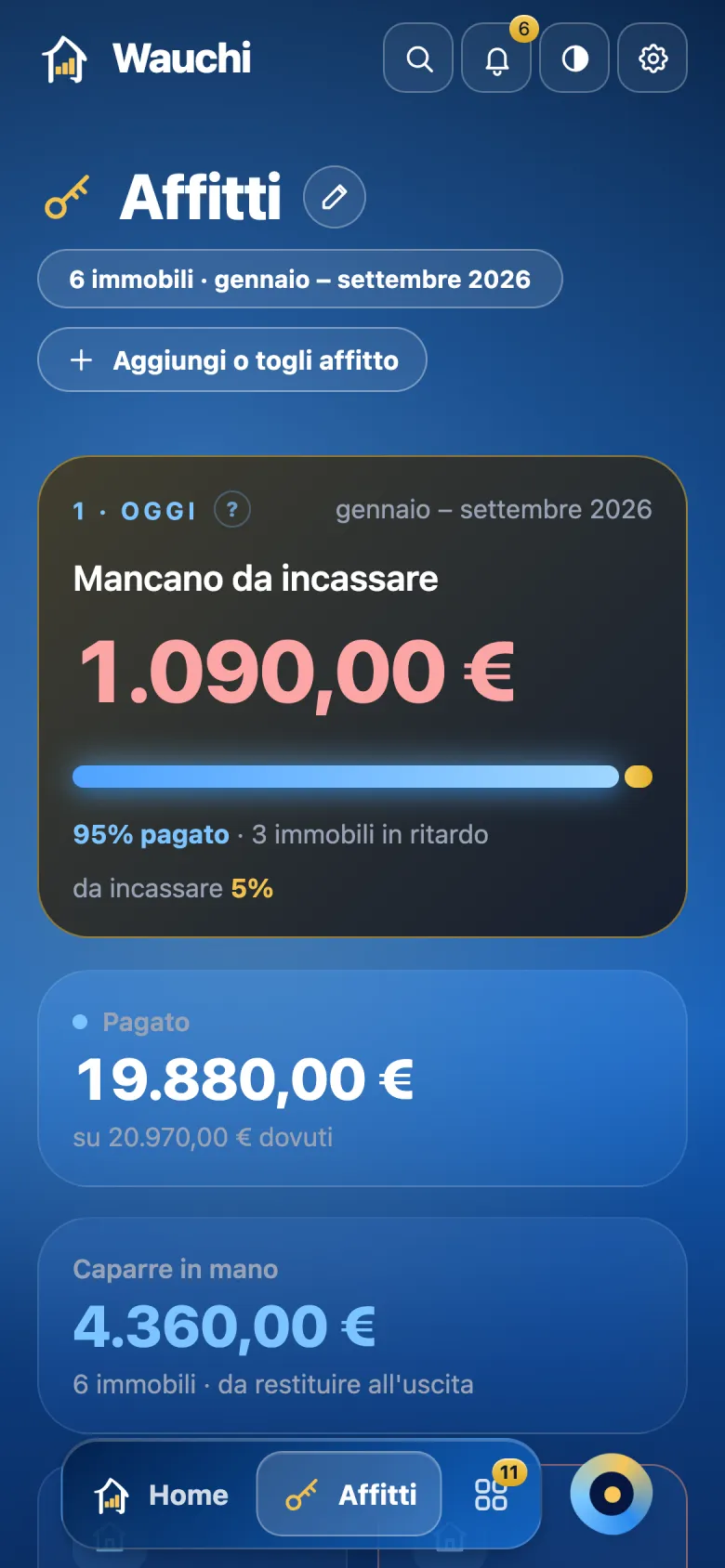
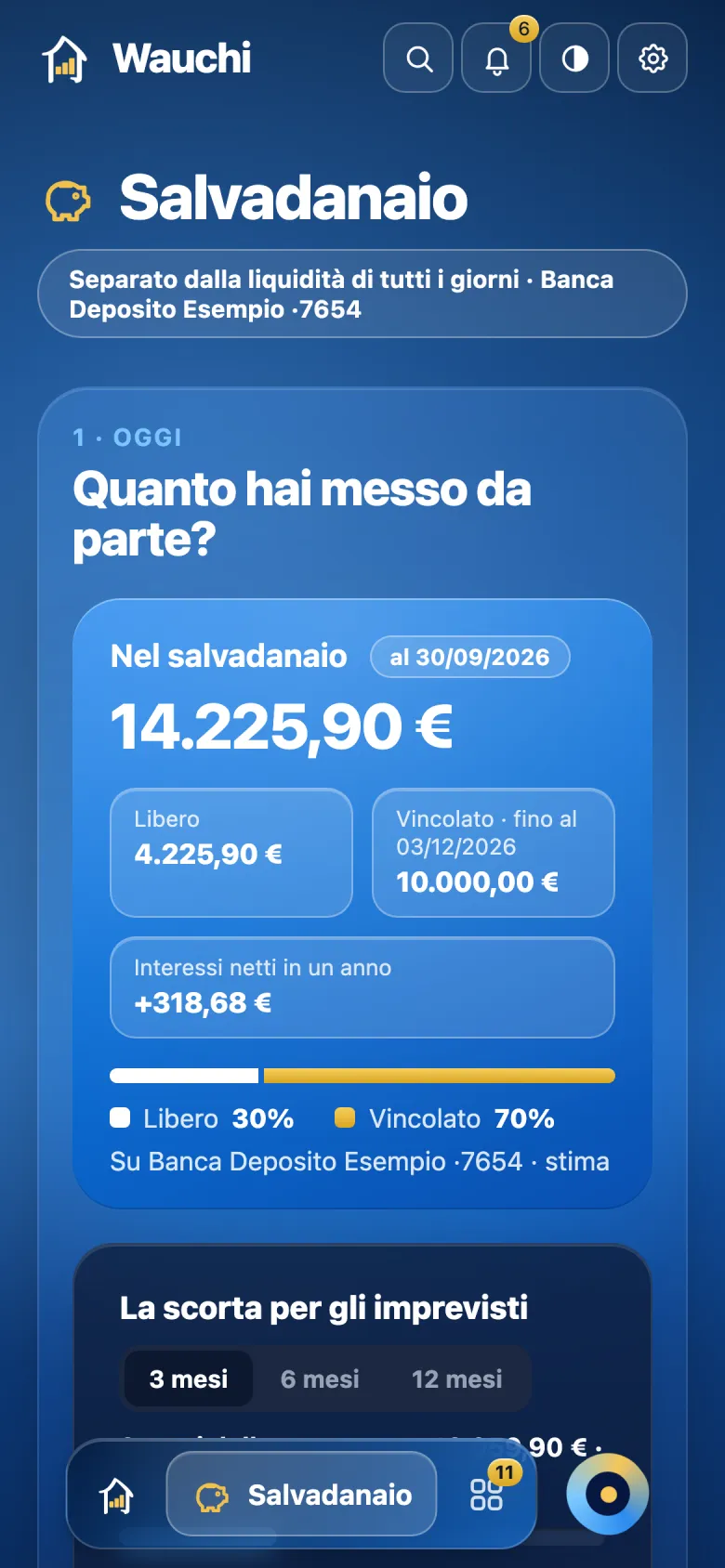
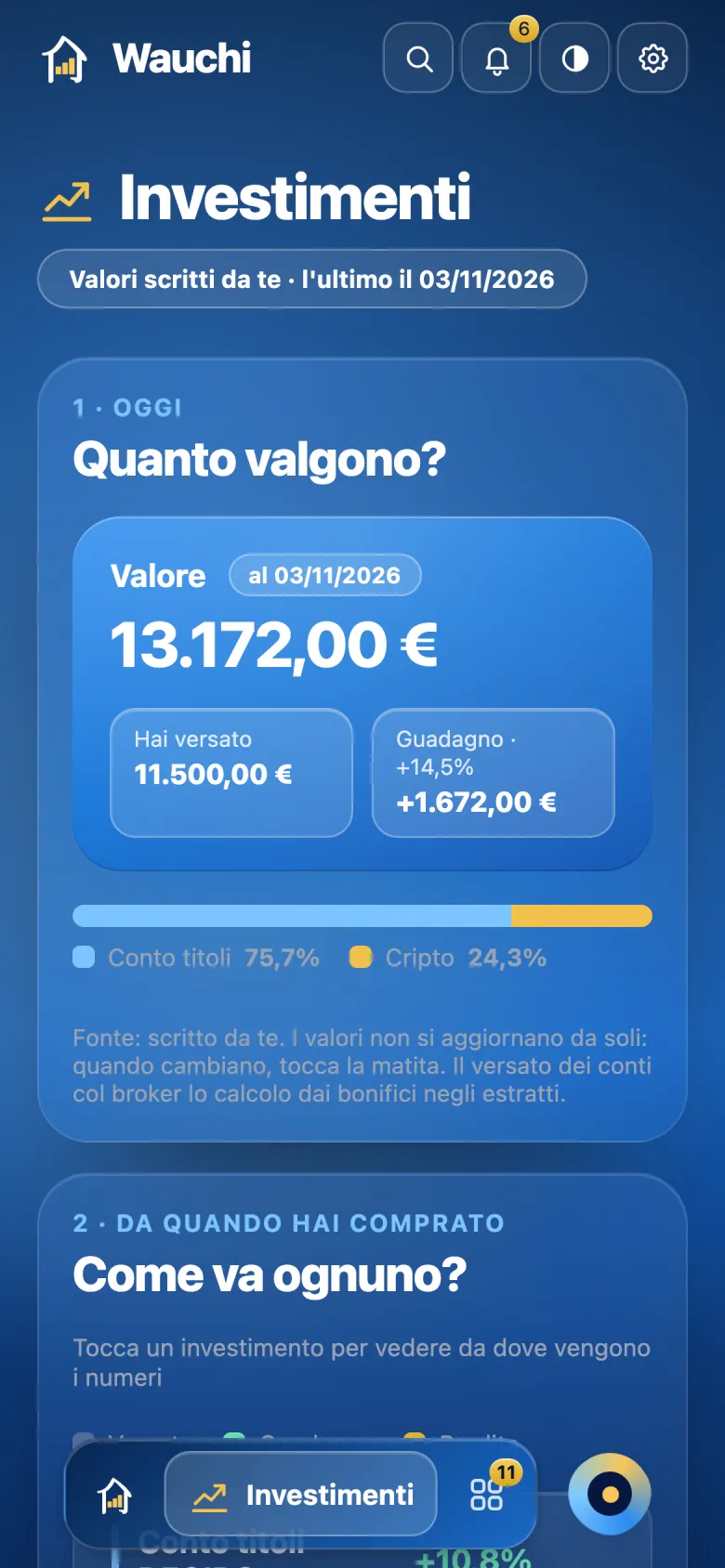

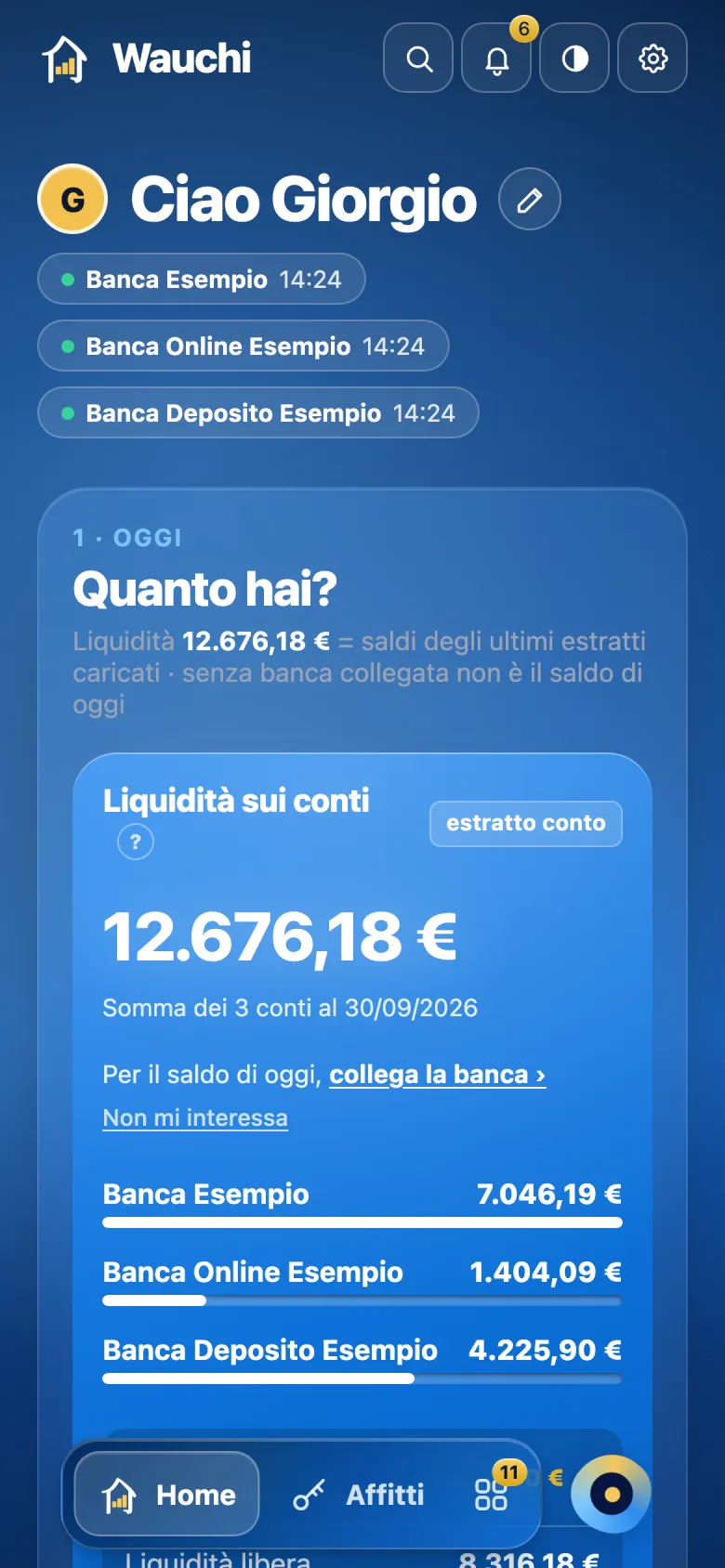
Screens of the demo, with sample data.
Made for every device
Wauchi adapts to the screen in your hand, and it is always the same app with the same archive: what you do on one device, you find on the others.


PhoneiPhone, iPhone Duo and Android: a single column, the controls within thumb’s reach.
TabletiPad and Android tablets: the cards side by side, in portrait and in landscape.
ComputerMac, Windows and the browser: the whole screen, the accounts beside the month-by-month trend.
Bring order into your home.
Your data stay in your cloud, not with us. Wauchi reads your bank read-only and cannot move a single euro. How it works →
€3.99 a month or €39.99 a year, everything included. The first month is free.